
A commercial CCTV installation moves through stages, and each one gives you a chance to settle terms before the first cable goes in. Buyers who end up satisfied usually treat the quote as a working document and ask questions early. The process runs from assessment to handover, and each step has terms worth pinning down.
The site assessment sets the scope
Every professional job starts with a physical walkthrough of the premises. The technician will check entry points, high-traffic zones, lighting conditions, and sightlines, because each one changes where cameras go and how many you need. One camera with a wide field of view can cover a yard that would otherwise take two fixed units, and that changes the price.
Ask the assessor to note lighting at the hours you actually operate. A back gate that looks fine at noon can sit in full darkness by early evening, and cameras placed for daylight angles may miss it. Blind spots should be marked on a floor plan, so you can see exactly what the proposed layout leaves uncovered. Bringing any existing floor plans to the walkthrough speeds this up and gives both sides a shared reference.
The results of that walkthrough should show up directly in the quote you receive. Ask for an itemized list that prices each camera, recorder, and cable run separately. That level of detail lets you compare and negotiate line by line. A package price with a fixed camera count favors the provider; any later change becomes a variation with its own charge. Check whether the assessment is free, credited against the job, or billed either way. If the walkthrough ends without an itemized quote, the assessment has only done half its job, because the next step depends on knowing what is included and what is not.
Camera hardware belongs in writing
Most commercial security systems now use IP cameras, which send digital video over your local network. The quote should match camera types to zones: dome units for indoor ceilings, bullet cameras for long outdoor runs, turret models where night performance counts, and PTZ cameras for wide areas such as loading docks. Resolution should match the job as well. An overview of a yard and a clear face at a door are two different tasks. If night performance matters, ask for the low-light rating in the quote; two cameras with the same resolution can perform very differently after dark.
Settle the exact makes and model numbers before signing. If the quote says “or equivalent,” the provider can swap in cheaper hardware, and you carry the risk. Named models with a stated warranty period favor you, because a failed camera in month ten then has a clear remedy. Ask who handles the warranty claim as well; some providers expect you to deal with the manufacturer yourself.
Leave room to grow while the walls are open. A recorder with spare channels and a couple of extra camera licenses costs little now and can save a second installation later.
Network and power work decides how clean the install is
Most current cameras use Power over Ethernet, so a single cable carries both data and power to each unit. That means fewer cable runs through your walls, but your network switch has to supply that power, and an older switch may not handle the load. High-definition streams also share bandwidth with everyday business traffic, so a busy office network can slow down once several cameras come online.
If your network needs work, the quote should say who pays for it. A new PoE switch or a separate network segment for cameras is a real cost, and it is cheaper to settle that cost in the quote than to face it as a surprise on day one. The recorder and switch should also sit on an uninterruptible power supply named in the quote. Otherwise a brief outage can mean a gap in recording. Ask for spare capacity too: a switch with open ports and conduit with room for another cable make future expansion simple.
Confirm the schedule early. The quote should state how many days the physical work takes and whether the crew can work outside your trading hours if downtime would hurt your business. Ask for the quote to say who bears the cost of any delay and what happens if the dates change.
Storage is where the ongoing costs live
Footage has to go somewhere, and the choice between a local network video recorder and cloud storage shapes your costs for years. An NVR records on-site as a one-time purchase, while cloud storage keeps copies off-site and charges monthly. Many businesses run a hybrid: everything records locally, and only the most important cameras back up to the cloud, which keeps the monthly bill down while preserving off-site copies.
Settle the retention target first, because it drives the rest of the storage decision. How many days of footage you keep depends on resolution, frame rate, and camera count. Doubling retention roughly doubles the drive space you need. Motion-based recording stretches storage further by recording only when something moves.
Read the renewal terms on any cloud plan before you commit. Minimum contract periods and automatic renewals favor the provider, because leaving early costs money and doing nothing extends the deal. Ask one more question either way: if you cancel the plan or change providers, who can still reach the archived footage, and for how long.
Installation day: mounting and cabling
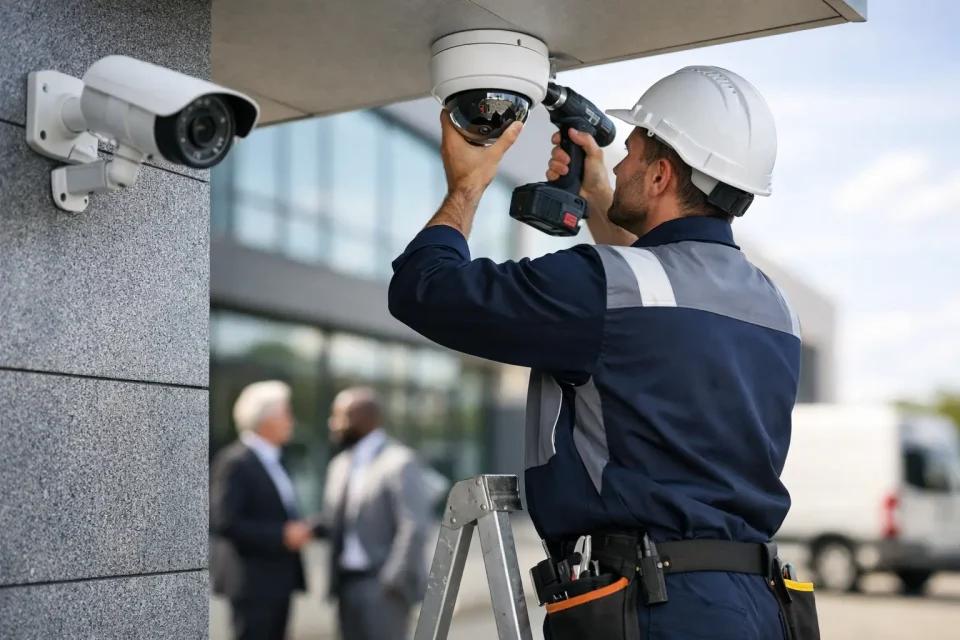
On install day, the crew mounts cameras, runs cable, and connects the recorder. Height and angle do most of the work. A camera mounted too high captures the tops of heads, and one aimed into afternoon sun or a bright fixture gets lens flare that washes out faces. Entrances and gates need angles that suit facial detail and license plate recognition, which usually means lower and more direct than people expect.
Cable should run inside conduit wherever it is exposed, because conduit protects against tampering and weather at the same time. Local conditions affect conduit, mounting height, and camera choice. While you gather questions for your own project, compare quotes for the commercial cctv installation perth businesses need, including cameras and storage. Ask whether the technicians are licensed before any work begins.
Plan for some disruption and agree on the sequence. Work over ceilings may close part of the floor for an hour at a time, and multi-story mounting may need a lift on-site. If you agree which areas close and when, your busiest spaces stay open at peak times.
Settle the make-good terms before work starts. Cabling means drilled holes and opened ceiling tiles, and the quote should say who patches and repaints. If the quote is silent, the default answer is usually you.
Integration and remote access need their own line items
A camera system becomes more useful when it connects to your other commercial security equipment. Linked to access control readers and alarms, the system can pull up the right camera the moment a door opens outside hours, so staff see the event as it happens. Some setups flag the event automatically in the footage timeline, which saves hours of searching later. Check which integrations are included in the quote and which are priced separately, because “integration” can mean anything from a full link to a shared app.
Remote viewing is standard now, and it deserves the same scrutiny as the hardware. Secure access means an encrypted connection or VPN plus multi-factor authentication, and the quote should say who configures it and whether the app carries a per-user fee. Cameras are network devices, so each one should get a unique password and current firmware before handover.
Set user access levels by role from day one. A manager may view live feeds while only the owner exports footage, and someone needs to be responsible for removing logins when staff leave.
Testing and handover come last
The job continues after the last camera goes up. Testing should cover infrared night vision after dark, motion detection zones so a busy footpath doesn’t trigger constant alerts, and the backup power supply so recording survives an outage. Ask the technician to show you each test passing on screen while you’re both still on-site.
Training makes the system usable day to day. Whoever runs the system day to day should practice finding an incident, clipping it, saving it, and exporting it in a format police or insurers accept. Fifteen minutes of hands-on practice beats a manual nobody reads.
Before the crew leaves, settle the handover terms in writing. You want the admin passwords, a site diagram with camera locations and cable routes, any app license details, and the workmanship warranty. That workmanship warranty sits separate from the manufacturer’s hardware cover. Confirm the support response time after handover; a camera down for three weeks is a gap in your cover. Ask the provider to explain what signage and privacy practices apply to workplaces like yours and who supplies the signs. Decide internally who may view and export footage.
At every stage, a few written terms decide how well the system will serve the business after the crew leaves. They are easier to settle before signing than after. Get the itemized quote, ask the questions above, and the installation itself becomes the straightforward part of the project.
